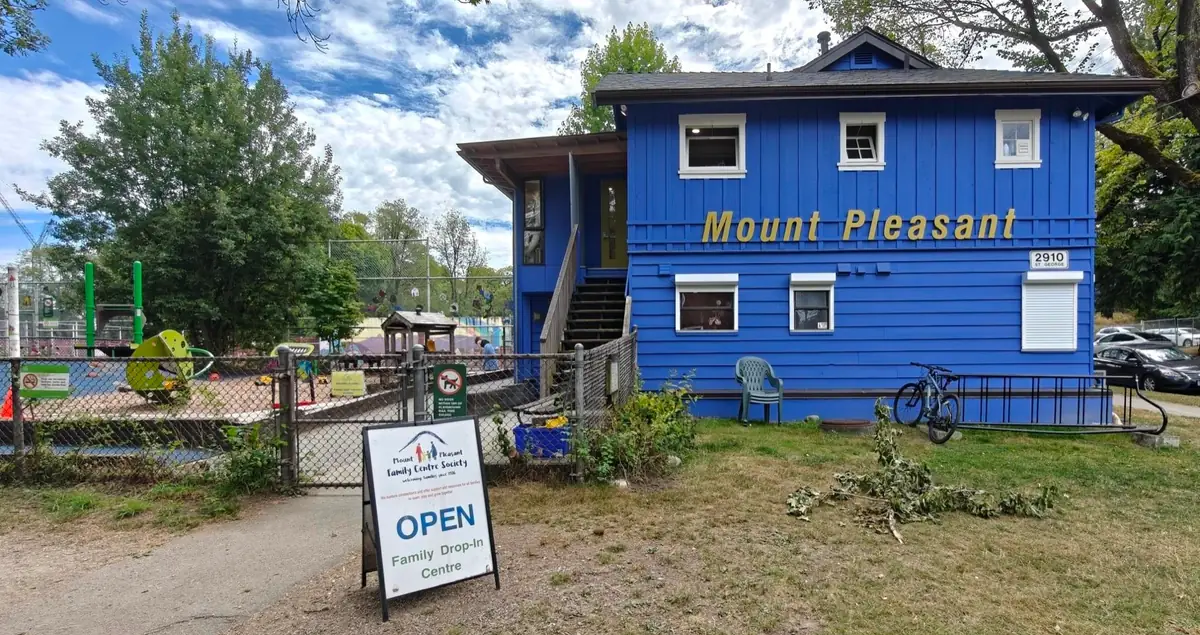
Mount Pleasant Family Centre Society has served families in Vancouver's Mount Pleasant neighbourhood since 1976. Its programs are built around families with children from infancy to age six: drop-in programs for babies, dads, and families, along with parenting programs. Parents and caregivers attend alongside their children, with hundreds of families taking part in the centre's programs in a given year.
The centre had been using OpenCommunity for about a month when we spoke with staff about what had changed.
The Challenge
The tools available to a small non-profit did not fit the way a family centre actually runs
Like most non-profit community organizations, Mount Pleasant pieced its administration together from software that was free or affordably tiered. Sign-ins ran through a Google Form that parents filled out on every visit. Payments went through a Square terminal and its separate app. Membership status lived on a list that had to be reprinted regularly so the newest version was on hand at the door. Month-end reporting happened in another spreadsheet, which first required consolidating all of it by hand.
Each tool worked on its own terms. None of them shared what it knew with the others. Is this visitor a member? Have they been here before? Do they need a donation receipt? Answering those questions was work left to staff, which is a substantial lift for an organization whose attention belongs on parents and children rather than on orchestrating software.
We don't have state-of-the-art systems, we have separate tools for different things.
Muzinga M.
Financial Administrator
The cost showed up first at the front desk, in the moment a family walked in.
The Solution
From a long questionnaire at the door to signing in with a phone number
Every visit began with a Google Form asking roughly ten questions about who had arrived and who they had brought, even for families who had been coming for months.
Even the returning form was long, 10 questions and two pages, and they would queue up for it.
Arta F.
Family Resource Program Assistant
Picture the moment. A parent is holding a child who is ready to be somewhere else, families are waiting behind them, and the program is about to start.
Every time they come in they had to fill out all this. It was not respectful of the parents' time, it was just too much, too cumbersome.
Flora P.
Adult Program Coordinator
Membership status added another step, because the form could not say whether someone's membership was current, and the rate depended on it.
We wouldn't know if they actually have a membership, or if it is expired. That can affect the cash flow, if they pay like members but we couldn't keep track of them.
Arta F.
Family Resource Program Assistant
The workaround was paper. As Flora describes it, staff would send a family up to the playroom while the admin printed the most recent membership list so a name could be looked up by hand.
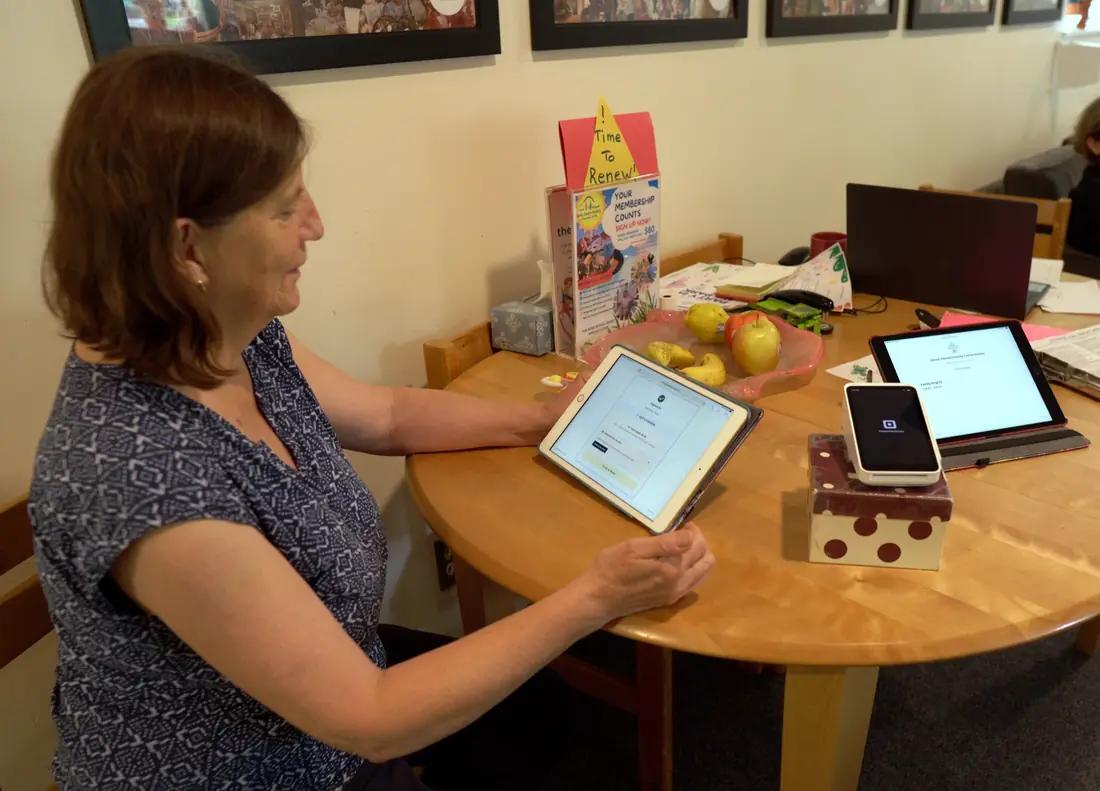
Now, whoever arrives registers once using their phone number. On every visit after that, a returning family enters that number, selects which of their children came along, and checks in. Payment happens in the same step, because check-in is connected to the centre's Square terminal, and membership status appears automatically, so the correct fee is visible without leaving the desk.
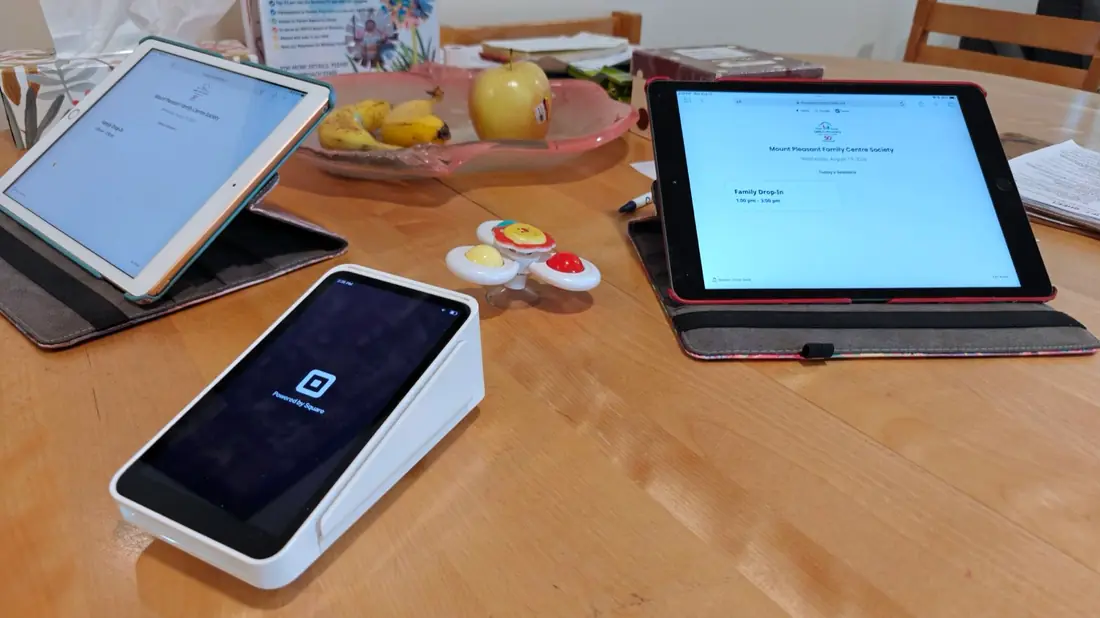
As they register, they put in their information, and the next time they just enter their phone number, pick the number of children, and check in. And it's connected to Square, so they can pay by card immediately.
Before, we had to do all this manually, we needed them to use a Google form, we needed to manually bring up the Square app for payment. Now, everything is connected to the app.
Arta F.
Family Resource Program Assistant
Parents noticed.
They'd say 'It's great', it's shorter than even the returning form from before. People love it, they don't have to fill in their name, child's name, 'I'm a parent or caregiver', all that, especially when people come in every week. It saves them a lot of time.
Flora P.
Adult Program Coordinator
The same screen now carries information the other direction as well.
Yesterday, we had a dentist come in. It popped up at the kiosk check-in and everyone knew a dentist would be there. The parents one by one would go downstairs and check up with the dentist because everyone was aware.
Arta F.
Family Resource Program Assistant
Solving incomplete forms (& reports) with an easier way
This is where the front desk and the funding meet.
When a form asks ten questions of someone holding a restless child, people stop partway through. That was never carelessness. It was the reasonable response to being asked for too much at the wrong moment.
They had to leave their child waiting, and they often missed questions. Sometimes they wouldn't get to the end, they just thought 'well, that's enough', and sometimes the boxes were empty, and after the program, we'd have to gather around and fill in the information we were missing.
Flora P.
Adult Program Coordinator
Muzinga saw the downstream version of the same problem. Missing fields became gaps in the numbers, and gaps in the numbers eventually had to be explained.
If all you can say is 'the parents did not enter all the information every time', they'll start to question why this same mistake keeps happening and why you're not correcting it. If it goes on for a long time it reduces your credibility.
Muzinga M.
Financial Administrator
Month-end compounded it. Around 200 entries had to be pulled from one spreadsheet into another, cleaned, and checked for what was missing before any report could be produced.
Because signing in now takes a phone number instead of two pages, the record is complete at the door. Families are no longer choosing between finishing a form and getting their child settled, and the reporting draws on what was already captured.
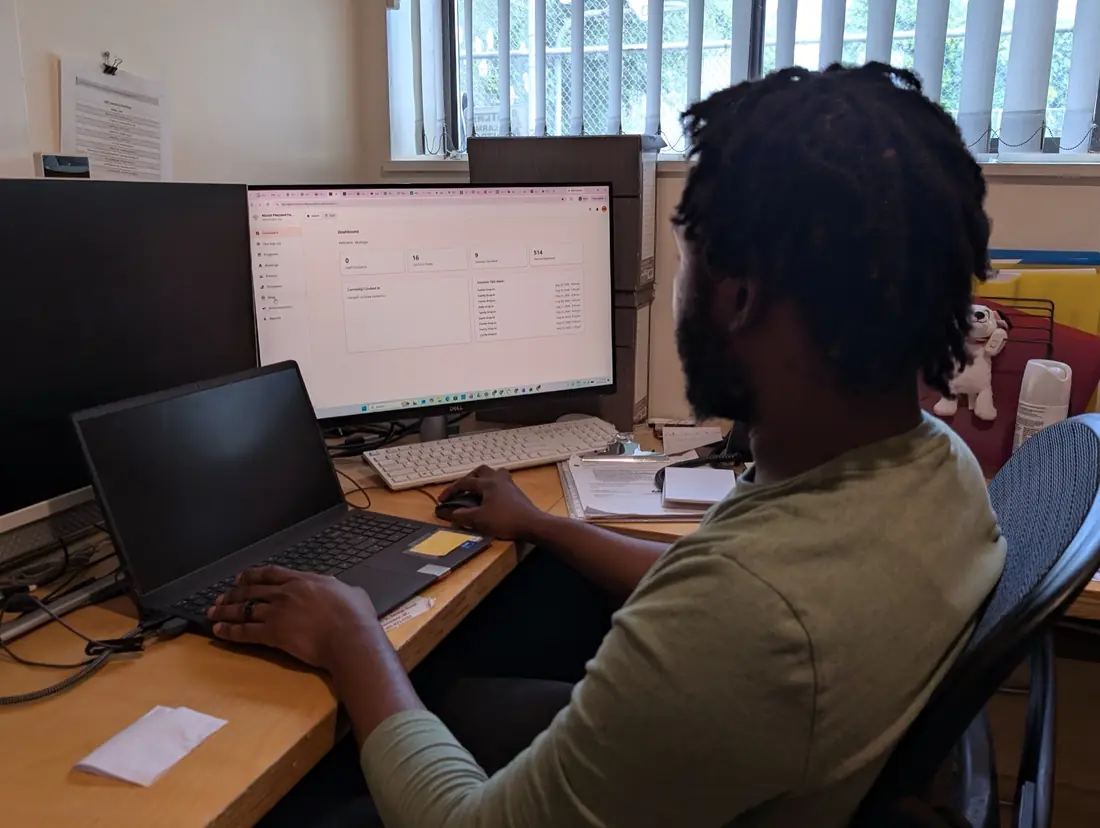
I can now just go in and look at how many visits we have. The report is really detailed. I'll already have all the information separated for me. Before, you have raw data, and you'd have to manually clean up so you can see the final result. Now I can already see how it's going to end.
Muzinga M.
Financial Administrator
The same holds on the program side.
For the admin side, we like it because we can generate the report and have that report ready when we want to apply for funding and grants. That was repetitive and so complex: you have to check the Excel sheet each time, last week, last month, last year, lots of steps and information. Now the software does it for us.
Arta F.
Family Resource Program Assistant
Looking something up also stopped being its own task. The centre holds roughly five years of family records.
Before, if I wanted to find information about parents, I'd have several options: go through old Excel sheets. You end up wasting a lot of time only looking for one piece of information. Now I just type in a phone number or name and I can find it quite easily. It saves the most time at critical moments, when you're in the middle of something and need one piece of information quickly.
Muzinga M.
Financial Administrator
The most surprising benefit: more time for human connection
The change staff mentioned most enthusiastically was not a time saving at all. It was what the time became available for.
Because children are linked to the adults who bring them, staff can see a visitor's name, their relationship to the child, and their visit history.
In Google Forms, we couldn't see who's the mother, father, caregiver. Now we can link it in the back-end after we spoke with them to always know right away the child's connection to whoever comes in.
Arta F.
Family Resource Program Assistant
If you don't recognize them, they might not feel welcomed, but when you call their name and you know this is the grandma, it makes them comfortable. So it helps to build the relationship, with technology helping the remembering.
Arta F.
Family Resource Program Assistant
Flora describes the same thing from her side, and why the timing matters.
When they say 'Oh, we have the other baby at home', you can just connect better because you have the information. And it's not when they leave that 'ooh right, they have a newborn at home'. You just want that information to improve your connection with the parents.
Flora P.
Adult Program Coordinator
The Result
Administration moved into the background
Across every conversation, the same theme came up in different words. Staff are no longer choosing between being present for the person in front of them and capturing what the centre needs in order to account for its work.
If you're distracted by whatever, it takes away from how you work with people. It smoothed out the check-in, you can now focus on the people and engaging.
Flora P.
Adult Program Coordinator
Flora has already taken initiative to share the improvements with her peers:
I've already talked to one of the other staff: I told them it's definitely better. For us, this is a big improvement on what we were doing.
Flora P.
Adult Program Coordinator
OpenCommunity was built in close working contact with staff at Mount Pleasant, including Muzinga, whose funder reporting obligations shaped what the reports contain and how the underlying information is collected in the first place.
We all need to report the same data to the ministry, to funders, whoever. So it's kind of custom-made, designed for this kind of nonprofit support service.
Flora P.
Adult Program Coordinator
It streamlines our sign-in system and reporting system at the same time, we don't have to separate them. It saves you a lot of time and effort to have everything in one system.
Muzinga M.
Financial Administrator
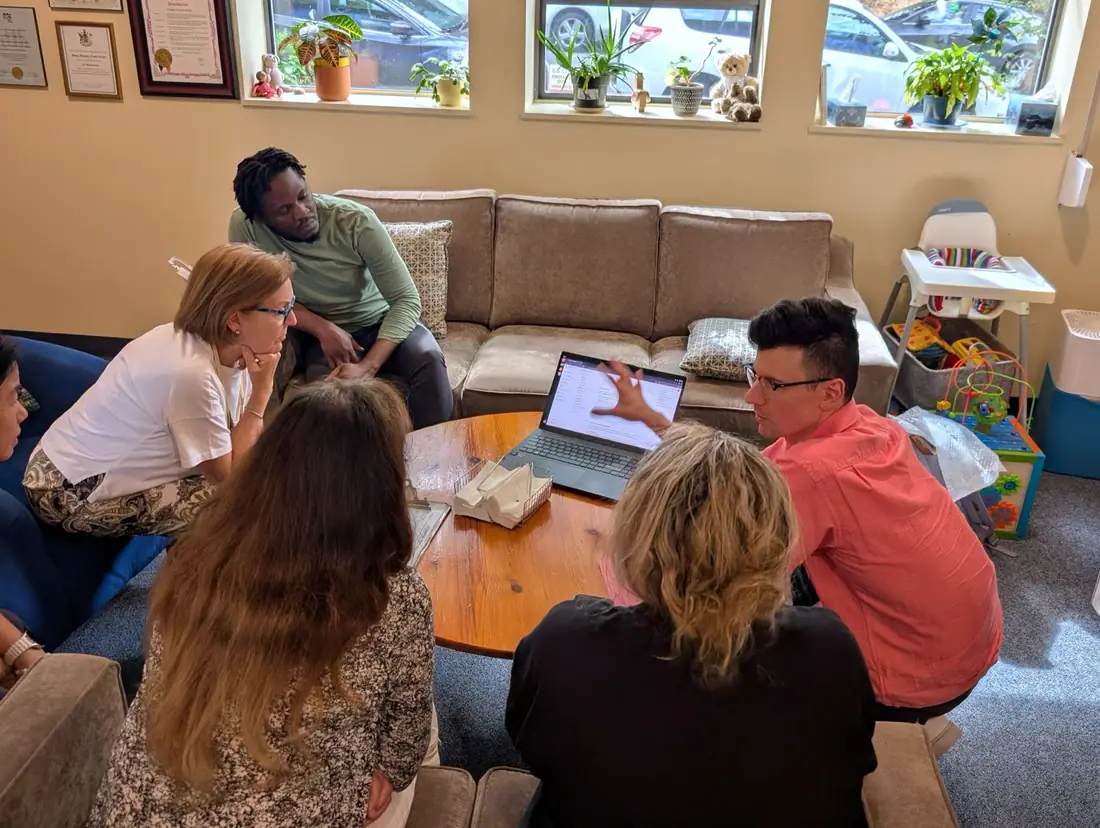
Asked what he is looking forward to, Muzinga concluded:
I'm just looking forward to how this develops. Everything is new, but as we keep using it, I think this is going to be a system everyone's going to need and use.
Muzinga M.
Financial Administrator
The same connected approach shows up beyond the front desk. See how Mount Pleasant ran donations, merchandise, and raffle sales on tablets, and issued tax receipts on the spot, at an outdoor community event in Easier donations and more time to connect: running an event with OpenCommunity.